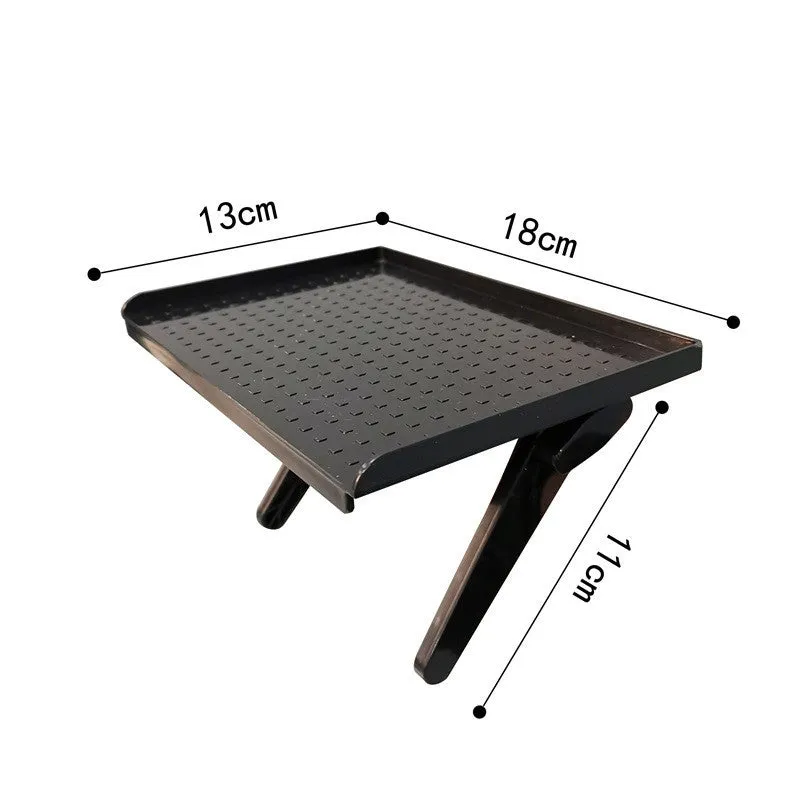
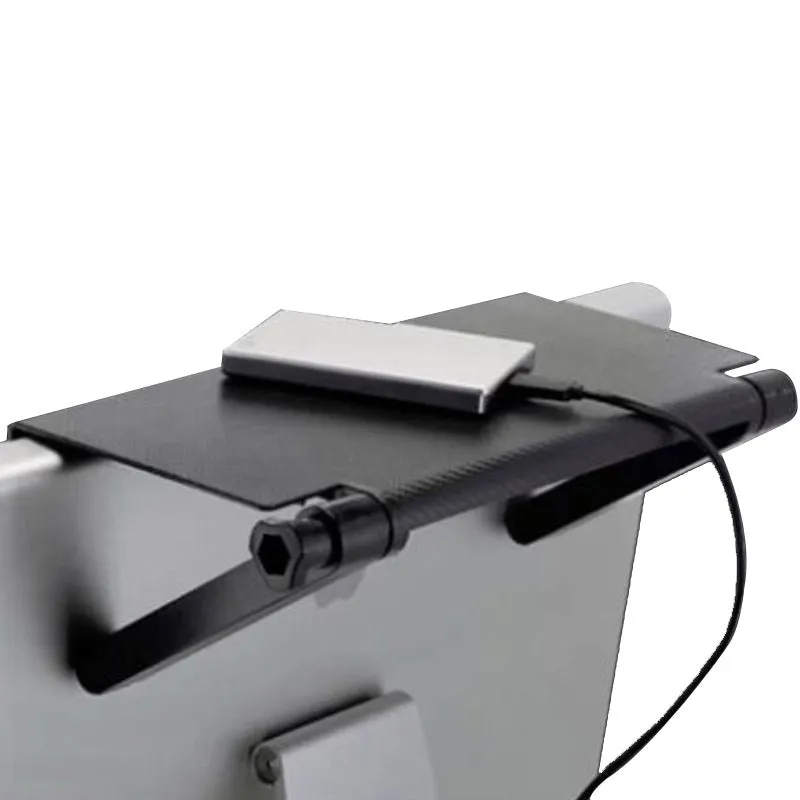
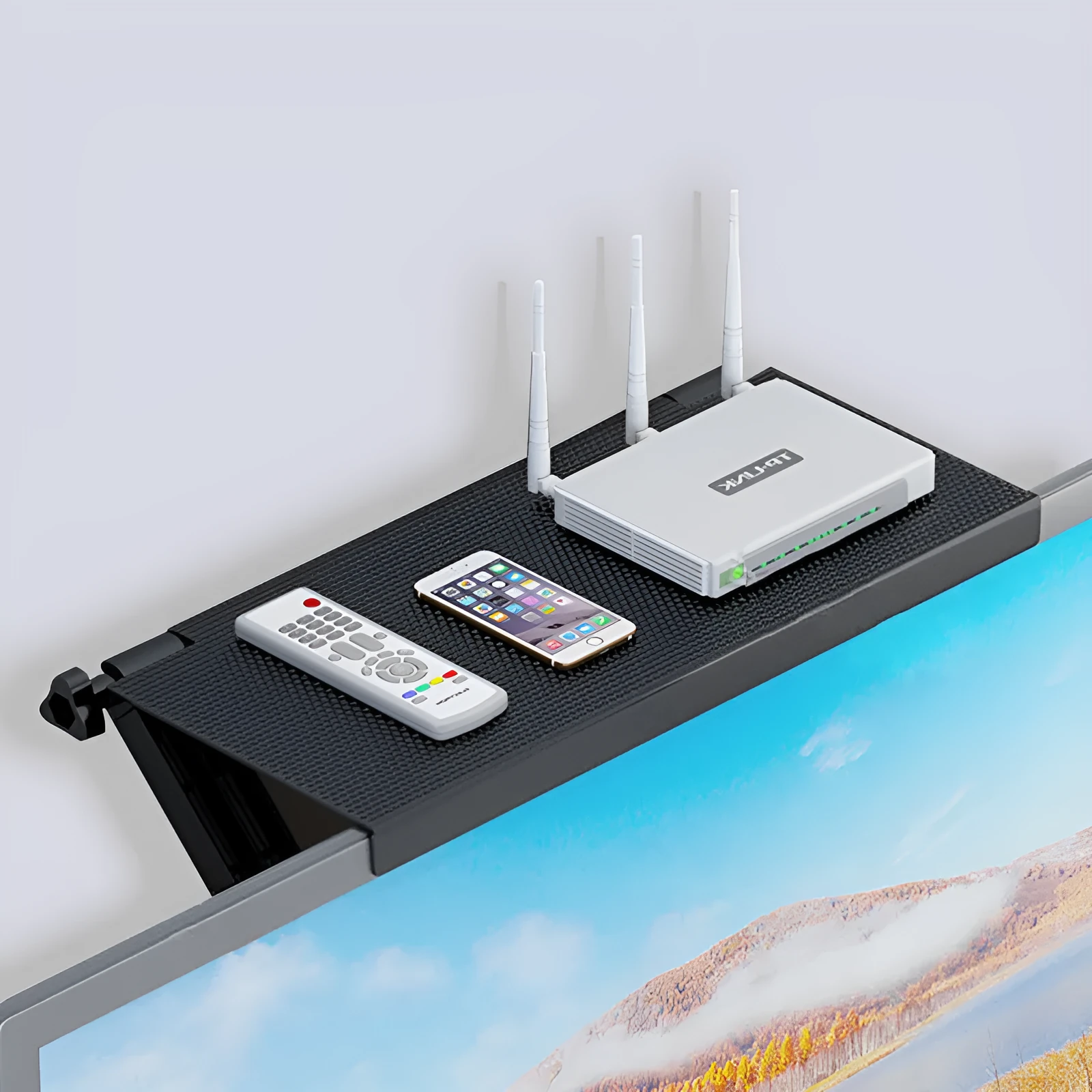
TV set-top box rack with free punching and hook installation, desktop stand for organising routers, modems, and media players in 5 colour options to reduce cable clutter on entertainment units
Hook-mount TV set-top box rack for organising routers and media players on your desktop
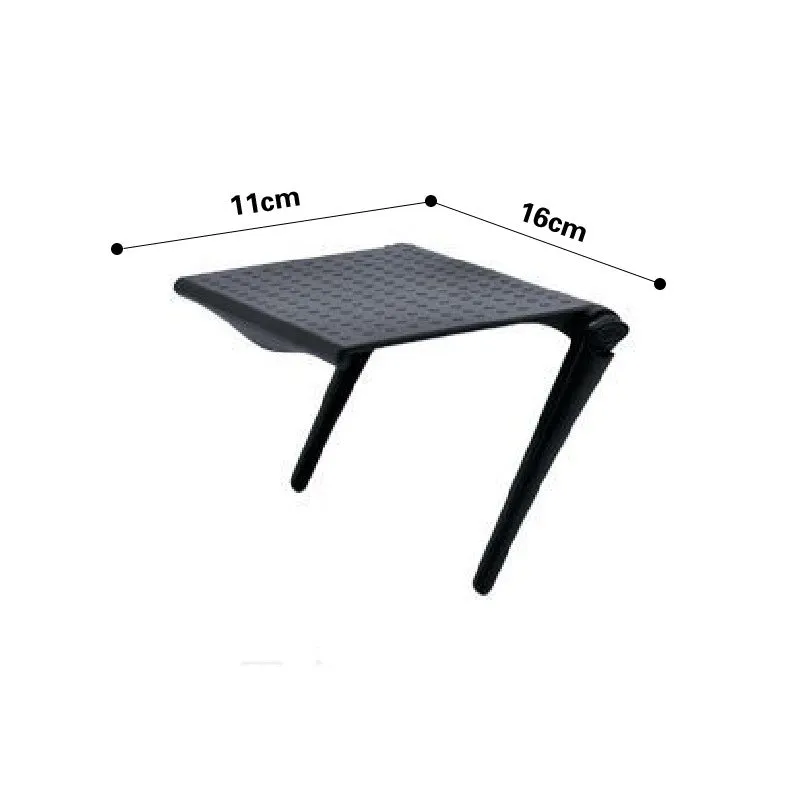
Keeping entertainment centres and home office desks tidy can be a challenge, especially with multiple devices like set-top boxes, routers, and modems contributing to cable chaos. This desktop stand offers a straightforward solution: a dedicated, elevated platform for your equipment. Its primary advantage is the hook-type installation, allowing for quick setup without screws, drills, or permanent alterations to your furniture. Available in a selection of five colours, it provides a basic way to coordinate with your room's aesthetic while performing the practical job of device organisation and improved cable management.
Features and Construction
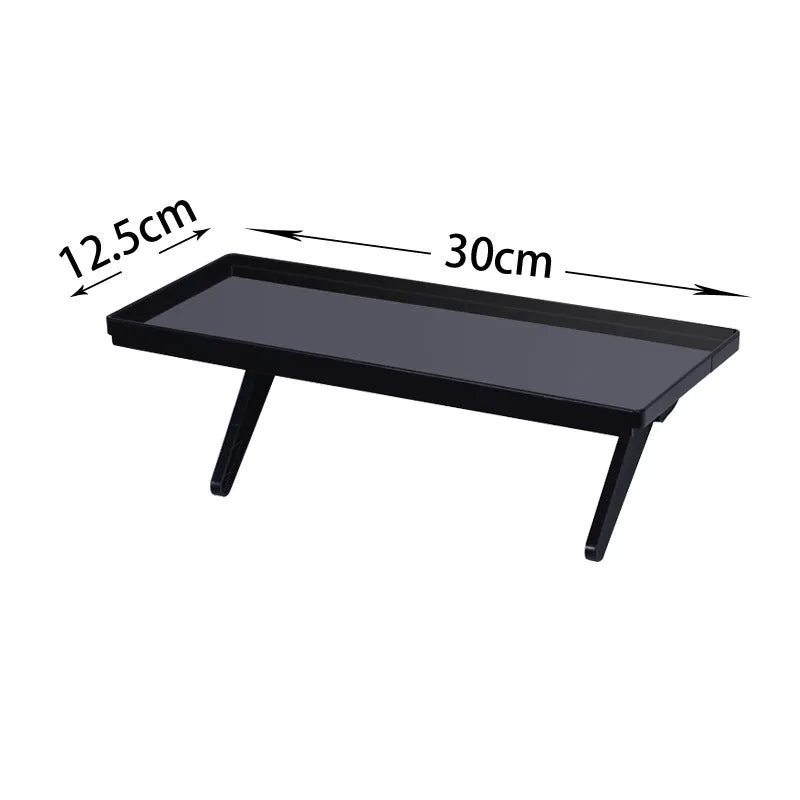
This product is built around a simple, functional design aimed at solving a common household clutter problem. Its construction and features focus on easy deployment and flexible use in various home entertainment scenarios.
Material and Build
The rack is constructed from plastic, making it a lightweight option that is easy to handle and position. This material choice contributes to a simple assembly process and a structure capable of supporting typical small media devices like set-top boxes and wireless routers. The design incorporates a hook-type fitting as its core installation method, which is integral to its non-invasive setup.
Size and Practical Fit
While specific dimensions are not detailed, the product is described as a desktop stand, indicating it is sized appropriately for placement on standard TV units, shelves, or desks. The elevated design suggests it raises devices off the surface, which can aid in cable routing underneath and may promote better airflow around electronic components. Its form factor is intended to consolidate one or two compact devices into a single, organised footprint.
Uses and Placement
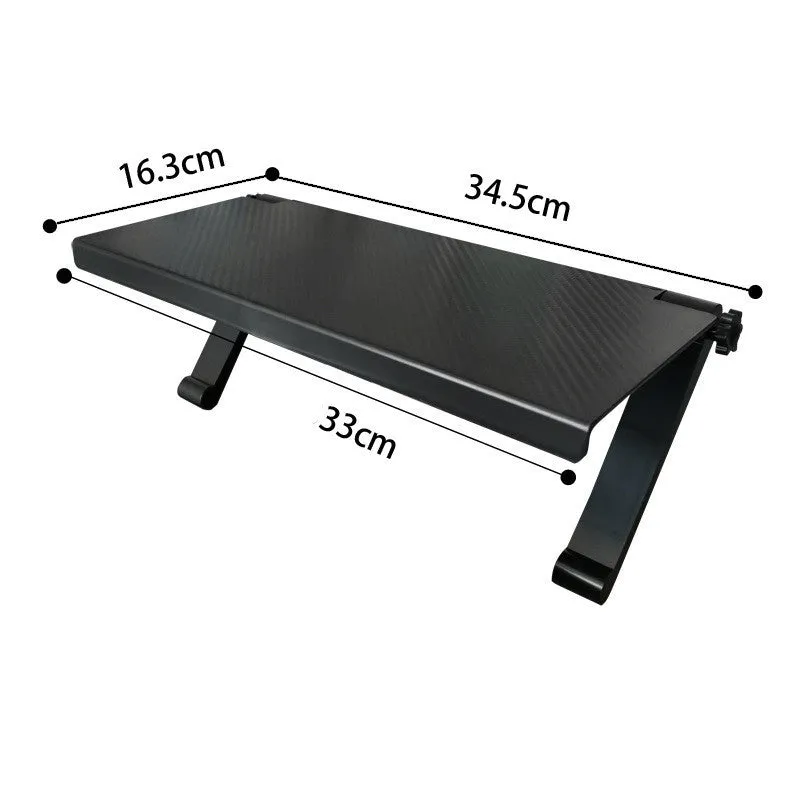
The rack's application is centred on home entertainment and networking areas. It serves to bring order to spaces that typically accumulate multiple black boxes and a tangle of wires.
Event or Professional Use
For temporary setups, such as presentations or events requiring a clean-looking media station, the hook installation allows for rapid deployment and removal without leaving marks. Its simple, neutral design (aided by multiple colour choices) helps it blend into various backgrounds, keeping the focus on the displayed content or the equipment's function rather than the supporting hardware.
Everyday Home Use
In daily home environments, this stand finds its primary use organising the array of devices under or near the television. It is suitable for holding a Freeview, Sky, or Virgin Media set-top box, a broadband router, a games console, or a streaming media player. By lifting devices, it can make dusting the surface beneath easier and helps separate power bricks and cables, reducing the visual clutter that often dominates media units.
Benefits and Buying Value
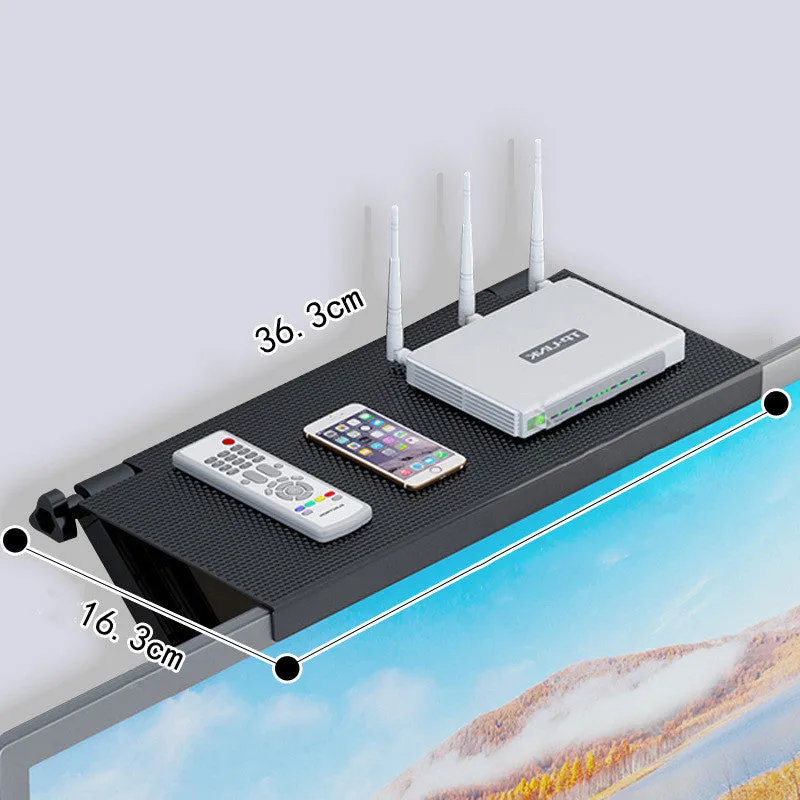
The value of this product lies in its practicality and the specific problems it addresses for users looking to tidy their living spaces without complex installations.
Reuse and Low Maintenance
The non-permanent hook installation means the rack can be relocated as your setup evolves—moving from one TV unit to another or from a living room to a bedroom home office. Being made of plastic, it requires minimal maintenance; a simple wipe with a damp cloth is sufficient for cleaning. Its durability is tied to the inherent properties of its plastic construction, suitable for the light to moderate weight of common consumer electronics.
Why Choose This Product
This rack is for you if you need a simple, no-fuss organiser for your media devices that doesn't require drilling or adhesive strips. The key differentiators are the hook-mount system for easy placement and the choice of five colours (1A to 5A), allowing for a basic match with your furniture. It provides a dedicated spot for your equipment, which can prevent scratches on your desktop and make managing associated cables more straightforward.